SECTOR X120
WiFi 6Aggregate remote camera connections
TECH SPECSAcheter
Chargement du prix et du stock…
Overview
| Primary application | CCTV aggregation base station |
|---|---|
| Wireless technology | WiFi 6 |
| Spatial Diversity | 2x2 MIMO |
| Network interfaces | 1× GbE |
| Wireless standard | IEEE 802.11ax / ac / n / a |
| Weather protection | IP65 |
Radio & Antenna
| Antenna | 16 dBi · 120° sector |
|---|---|
| Operating frequency | 5.1–5.8 GHz; country dependent |
| Maximum transmit power | 23 dBm ±2 dB |
| Polarization | Dual polarized |
Hardware
| Weight | 0.77 kg |
|---|---|
| Dimensions | 395 × 100 × 90 mm |
| Outdoor construction | Weatherproof ASA enclosure |
| Operating temperature | −20 to +70°C |
| Power | 24 V passive PoE |
| Power consumption | 10 W |
| Mounting | Pole mount with supplied mounting kit |
| Maximum PHY rate | 1,201 Mbps |
| ESD protection | 16 kV |
| Lightning protection | 8 kV |
| Storage temperature | −40 to +85 °C |
| Operating humidity | 10–95%, non-condensing |
| Power adapter | 24 V DC · 0.75 A |
| Status LEDs | Power · LAN · WLAN · RSSI signal |
Networking & Management
| Wireless security | WPA / WPA2 · WPA-PSK / WPA2-PSK (AES / TKIP) |
|---|---|
| Firewall | Integrated |
PHY rates are theoretical. Actual throughput and range depend on radio configuration and operating conditions. Available frequencies, channel widths and transmit power depend on the country of operation.
STANDARD PACKAGE
In the box
Supplied components for SECTOR X120.
SECTOR X120 radio×1
Passive PoE power adapter×1
Mounting kit×1
Quick Setup Guide×1
PRODUCT PHOTOGRAPHY
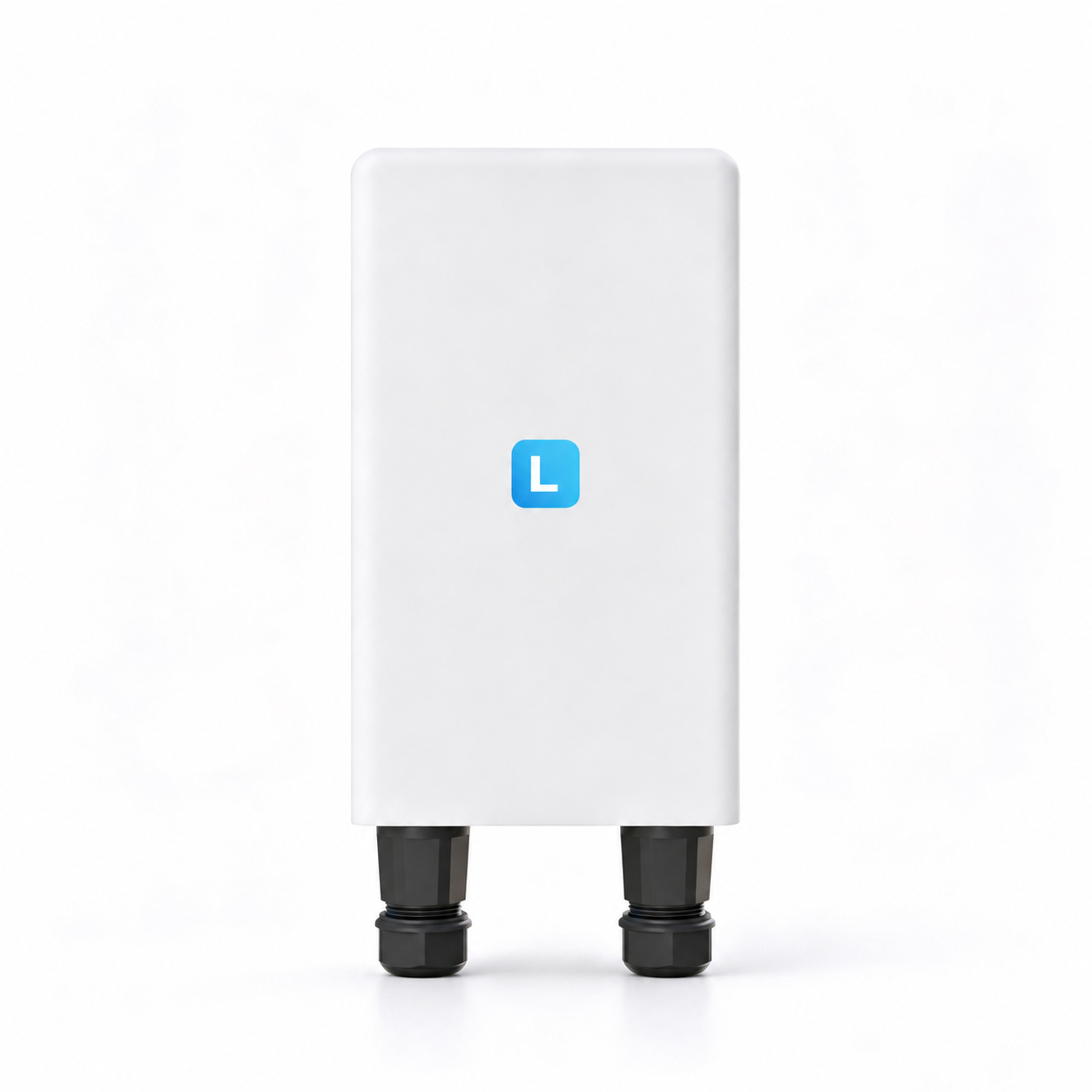
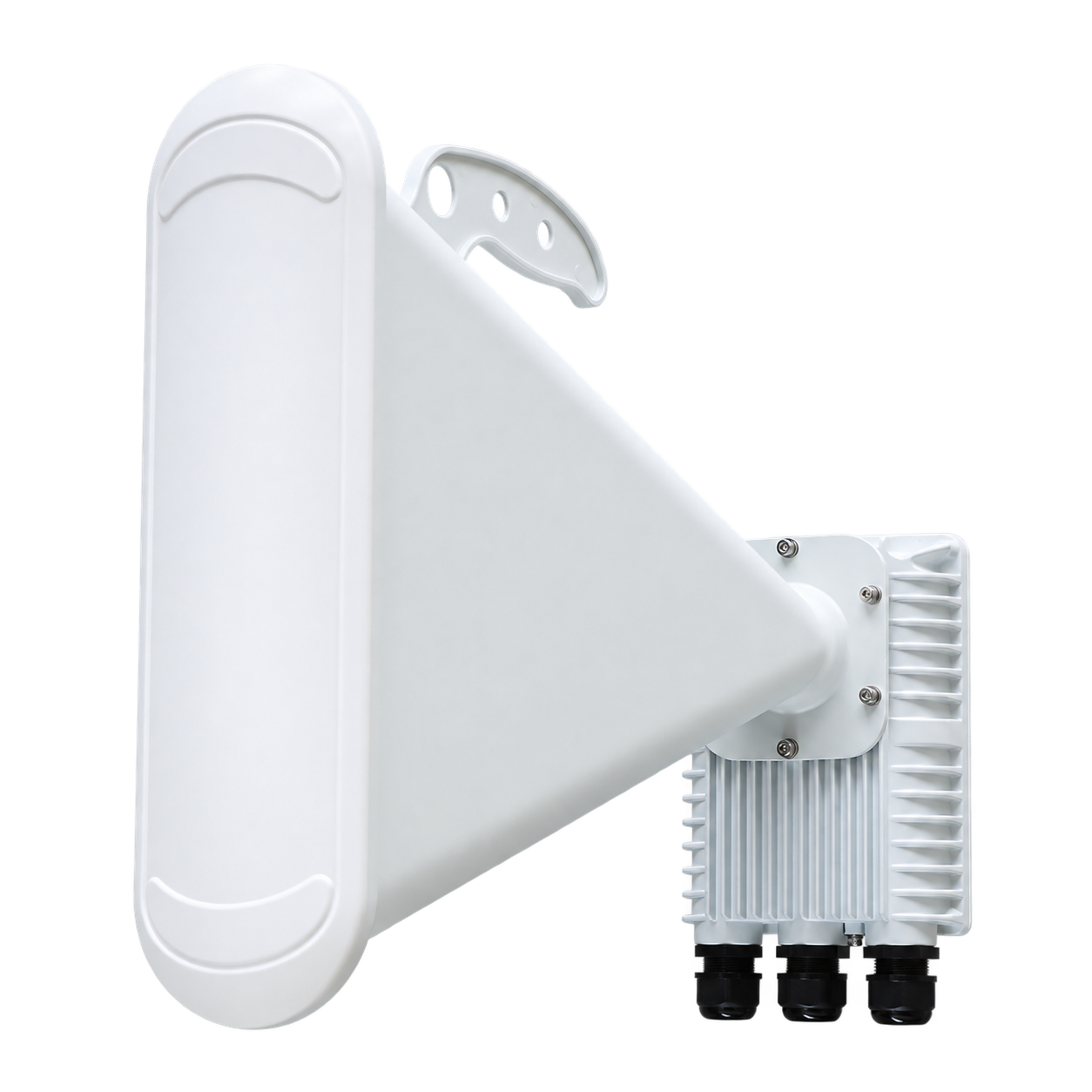
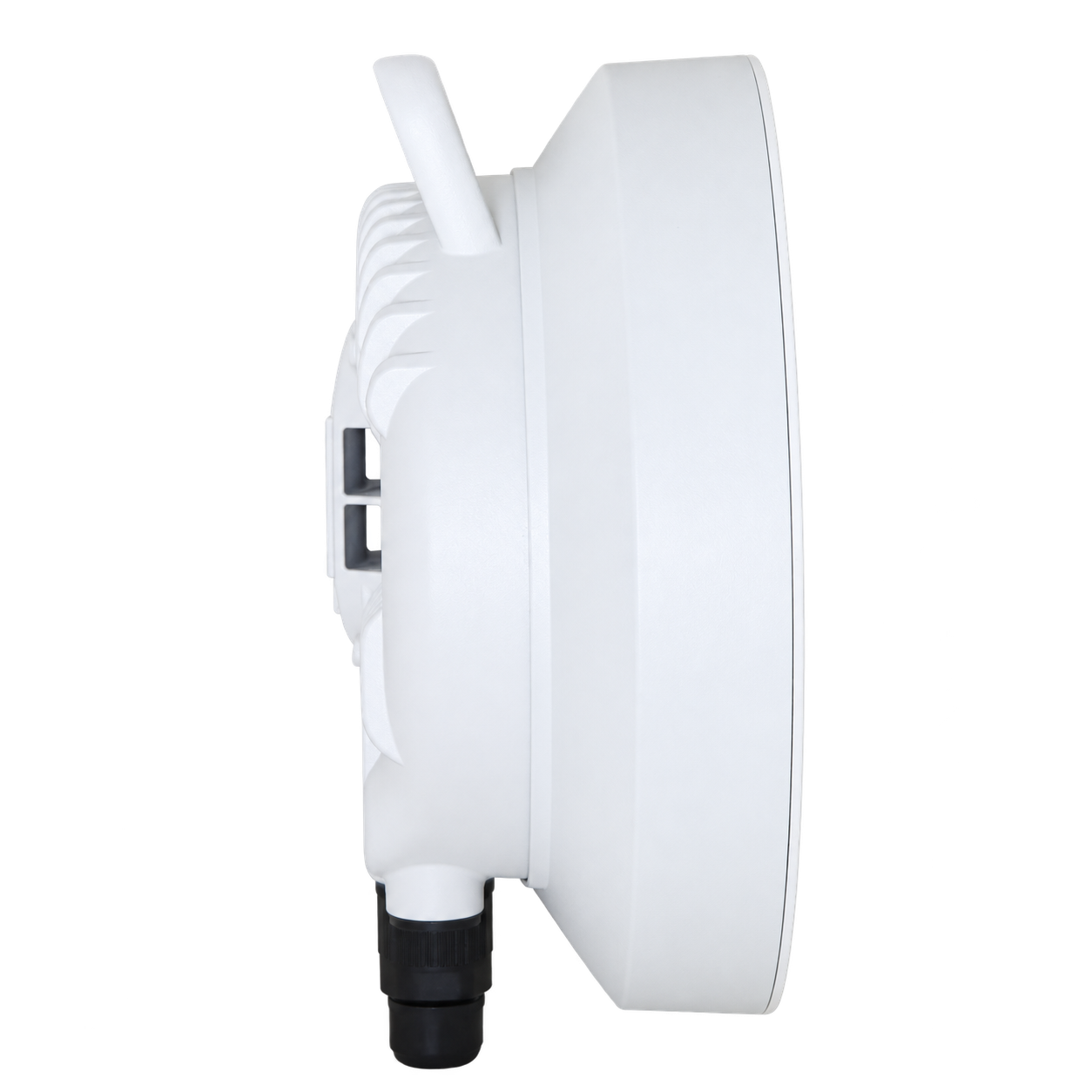
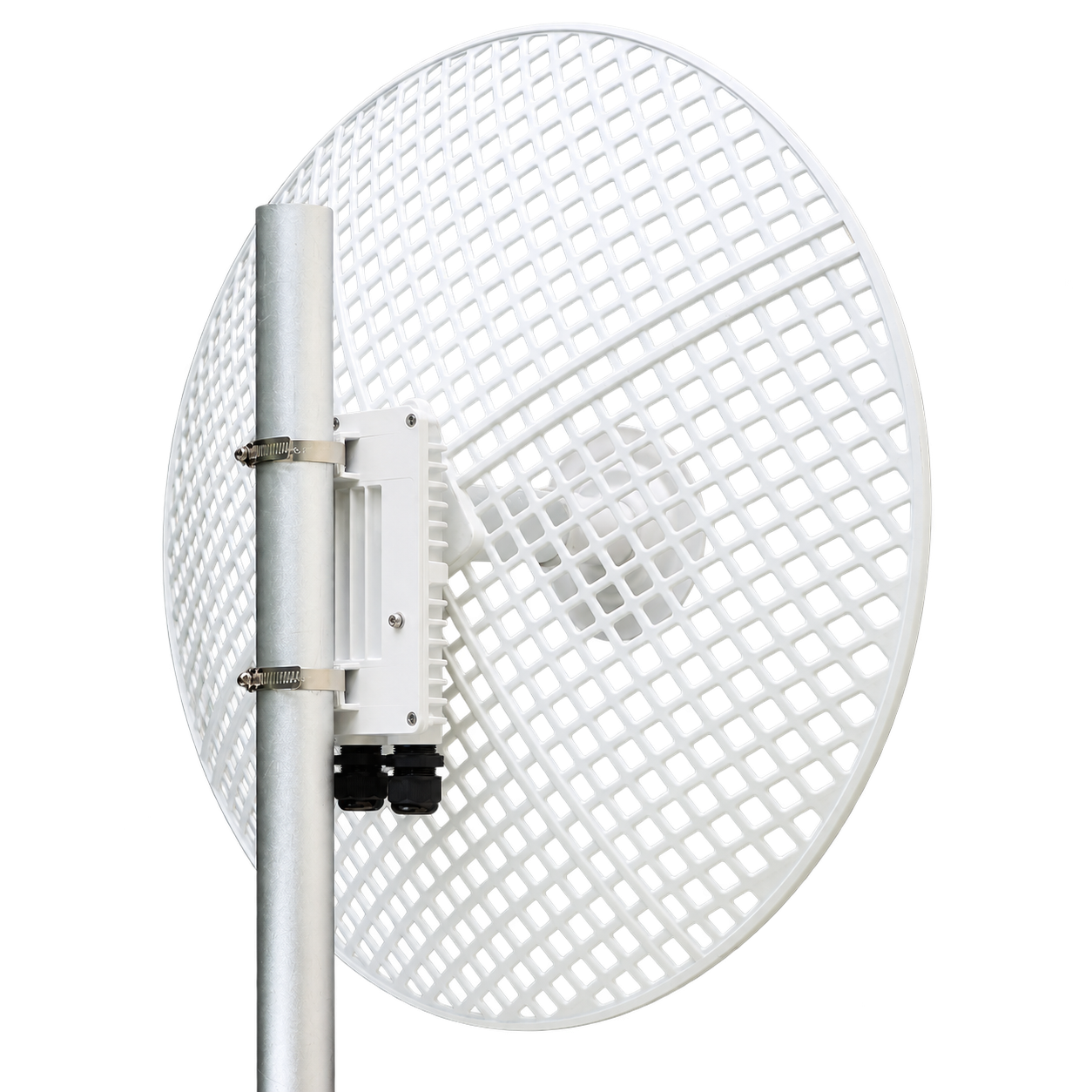
SECTOR X120, in detail.
Explore the original product views.
INSTALLATION ESSENTIALS
Complete the installation.
Connection and mounting requirements for SECTOR X120.
Mounting support
Pole mount with supplied mounting kit
Check your deployment configurationOutdoor Ethernet
Use shielded cabling and weather-sealed connections.
Check your deployment configurationPower supply
24 V passive PoE
Check your deployment configurationINSTALLATION NOTES
Install. Connect. Configure.
Deployment checklist for SECTOR X120.
Mount and align
Choose a mounting position with a clear line of sight. Secure the radio and align the directional antenna with the remote site.
Connect the network
Connect an outdoor-rated shielded Ethernet cable and seal exposed connectors.
Connect power
Use the power method listed in the hardware specifications and verify the device label before energizing.
Configure and verify
Set the country, radio mode, frequency and wireless security. Verify alignment and link performance.
 SECTOR X120